
Observe a slowdown for 30 seconds
The diagnostic samples memory pressure and CPU load. When enough data is available, it shows up to three apps whose main processes used the most CPU.
Mac performance diagnostics
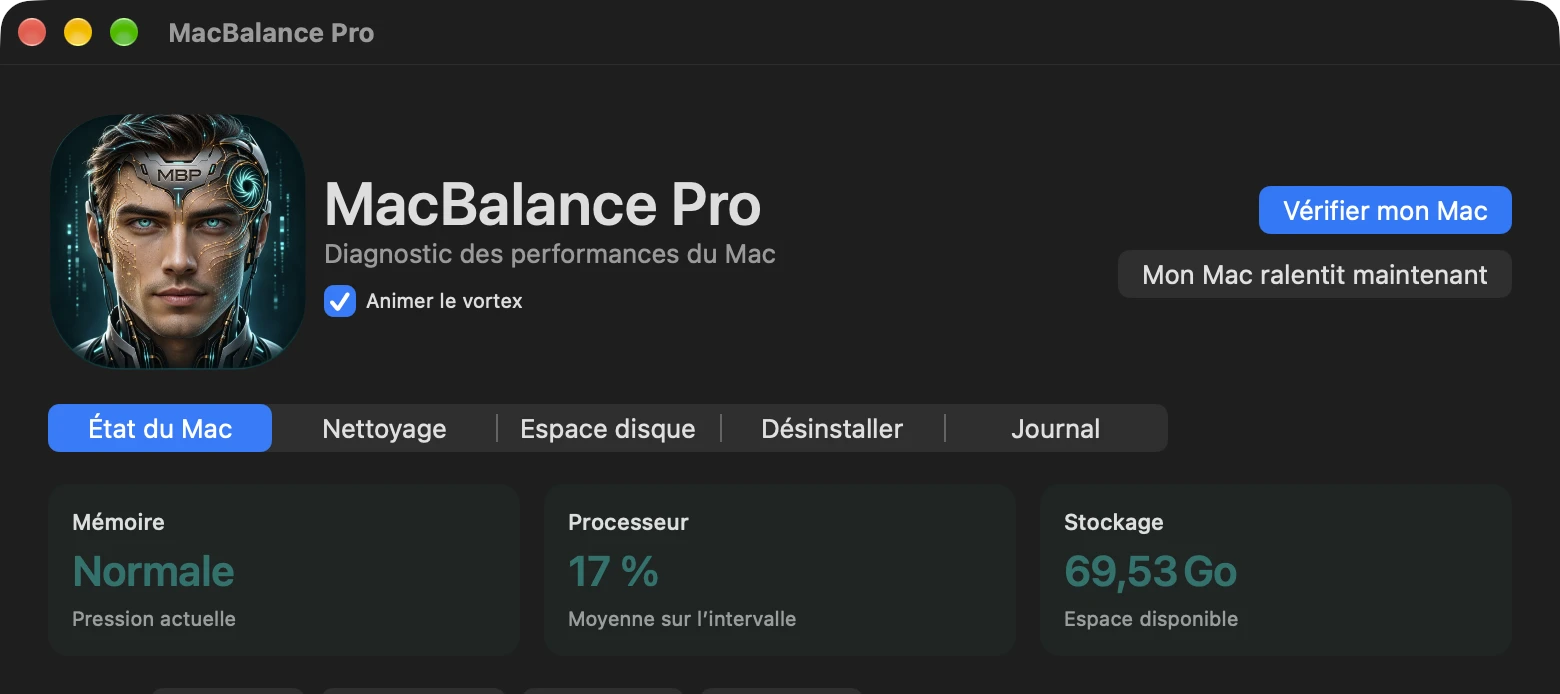
MacBalance Pro checks CPU load and memory pressure while your Mac is slow. You can also see what’s taking up disk space and choose which files to clean up.
Apple Silicon macOS 27 or later

Features
A spike can pass in seconds. Start a diagnostic during the slowdown, then compare what you see with your memory log from previous days. Read the Mac diagnostics guide
Interpret your memory pressure reading
The diagnostic samples memory pressure and CPU load. When enough data is available, it shows up to three apps whose main processes used the most CPU.
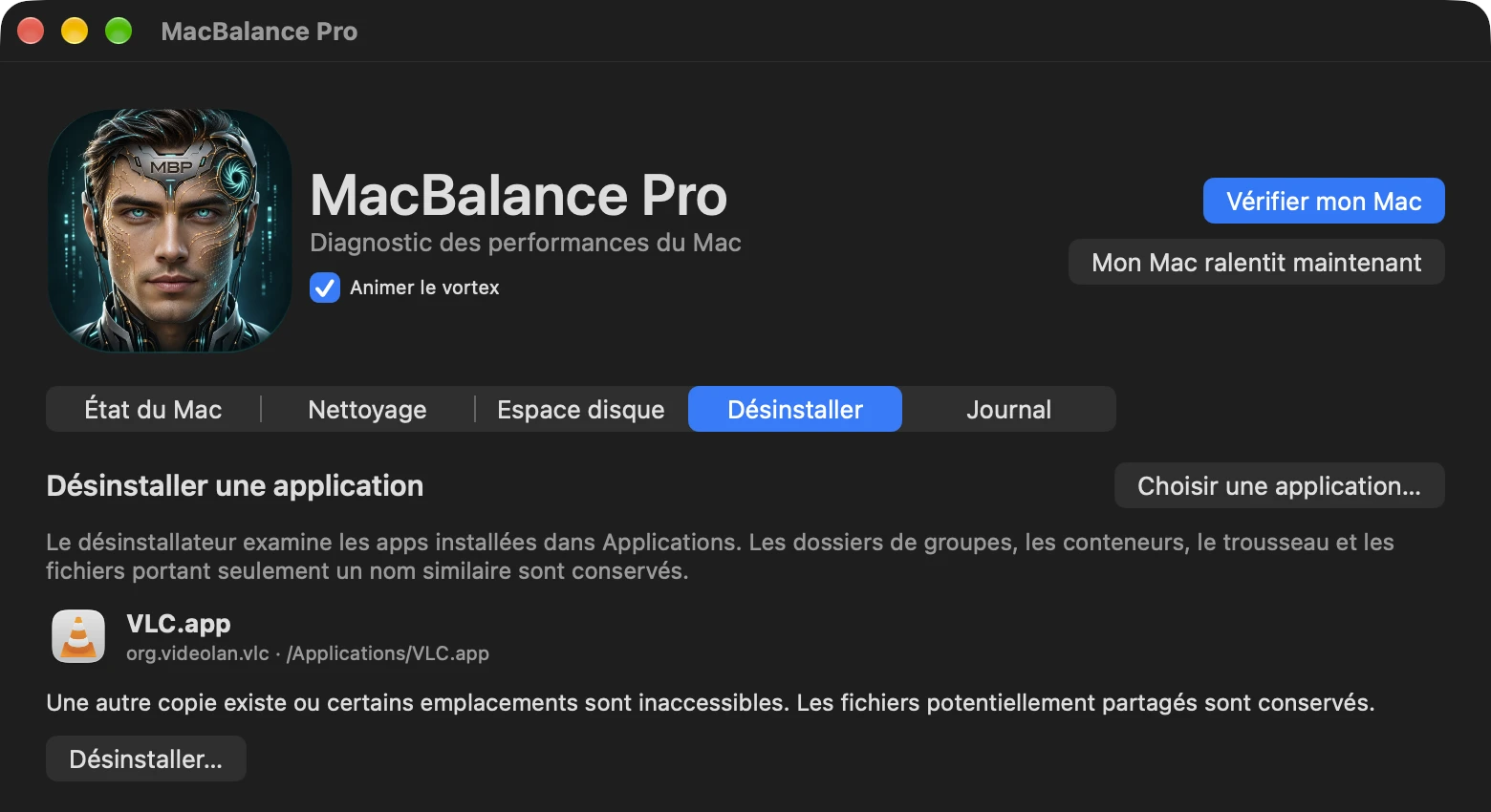
Choose a folder to rank its contents by space used on disk. When cleaning up files or uninstalling an app, review the suggested items and choose which ones to move to the Trash.
While the app is running and your Mac is awake, it samples memory pressure once a minute. The log keeps the last 14 days of observations on your Mac.
MacBalance Pro · 2.7
Screenshots of the French interface. Select an image to see it full size.
Watch the 16-second app walkthrough
Subscriptions
Every plan includes all features. Choose how many Macs to cover and whether to pay monthly or yearly.
Not yet available for purchase
| Devices | Per month | Per year |
|---|---|---|
| 1 Mac | €2.49 | €19.90 |
| 2 Macs | €3.99 | €31.90 |
| 5 Macs | €6.99 | €55.90 |
Tax included. Annual plans are billed once a year and cost about the same as eight monthly payments.
The app runs on Macs with Apple silicon and macOS 27 or later.
Yes. Process names and folder scan results stay in memory on your Mac. The memory pressure log is stored locally, and you can clear it in the app.
You need an internet connection to activate your subscription. After verification, you can use the app offline for up to 72 hours or until the paid period ends, whichever comes first. Reconnect to renew offline access.
In your subscription settings, release your old Mac to free up its place, then activate your new one. Multiple macOS accounts on the same Mac share one place.
Each payment automatically renews your license for a month or a year, depending on your plan. You can manage your subscription and turn off renewal in your subscription settings.